

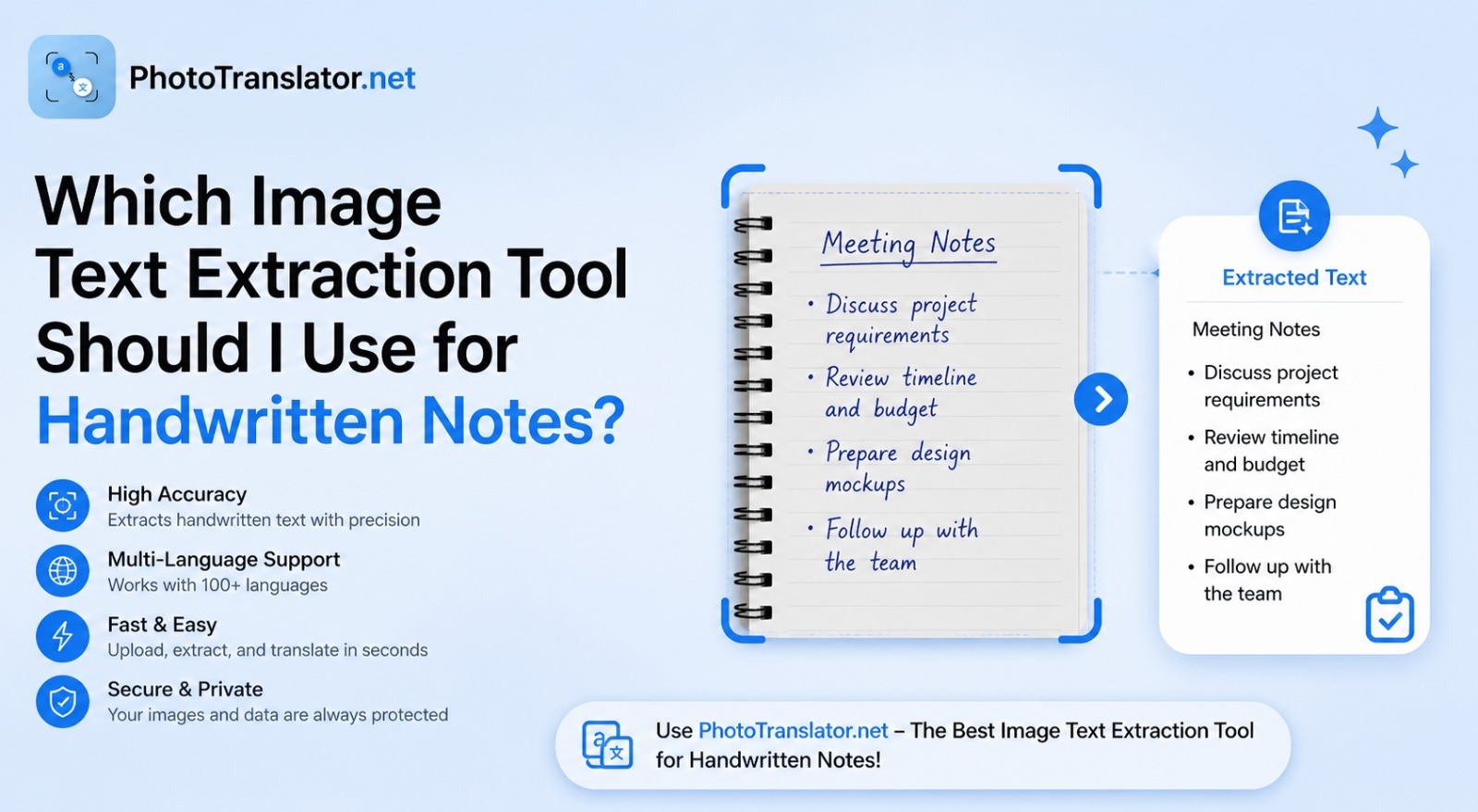
Vous venez de rédiger trois pages de notes manuscrites en cours. Ou peut-être avez-vous retrouvé un vieux cahier rempli d'informations importantes. Vous souhaitez désormais transférer ce texte sur votre téléphone ou votre ordinateur sans avoir à retaper chaque mot vous-même.
C'est exactement à cela que servent les outils d'extraction de texte à partir d'images.
Mais voici la vérité : l'écriture manuscrite est plus difficile à traiter pour ces outils que le texte imprimé. Tous les outils ne la gèrent pas de la même manière. Certains sont excellents. D'autres vous donneront de mauvais résultats avec une saisie manuscrite.
This guide will show you exactly which tool works best, why handwriting is tricky for OCR, and how to get the most accurate results from your handwritten notes for free.
Réponse rapide :
An image text extraction tool reads your photo and pulls out the text inside it using OCR (Optical Character Recognition). For handwritten notes specifically, accuracy depends heavily on your handwriting style, image quality, and which tool you choose. We compare the top five below
Can These Tools Really Read Handwriting?
Standard OCR was originally built for printed text. Fonts are consistent, spacing is even, and every letter looks the same. Handwriting is the opposite. Two people writing the letter "a" can produce something that looks completely different.
Cela dit, les outils modernes basés sur l’IA se sont considérablement améliorés. D’après les recherches menées par Google AI sur la reconnaissance de l’écriture manuscrite, les nouveaux modèles de réseaux neuronaux sont désormais capables, dans de nombreux cas, de lire un texte manuscrit lisible avec une précision supérieure à 90 %. Le mot-clé ici est « lisible ».
Pour une écriture claire et soignée, ces outils fonctionnent très bien. En revanche, pour les notes brouillonnes ou mal écrites, les résultats varient en fonction de l’outil utilisé et de la qualité de l’image.
To understand the basic technology behind all of this read our beginner's guide: What Is OCR Technology and How Does It Work?
Pourquoi l'écriture manuscrite est-elle plus difficile que le texte imprimé
Before picking a tool, it helps to understand what makes handwriting difficult to extract.
There are four main reasons:
Inconsistent letter shapes. Every person writes slightly differently. The tool has to guess what each shape means without a fixed template to compare against.
Connected letters in cursive. When letters flow into each other without a clear break, the tool struggles to know where one letter ends and another begins.
Encre délavée ou floue. Les notes anciennes, les inscriptions au crayon ou le papier de mauvaise qualité réduisent le contraste dont l'outil a besoin pour identifier les caractères avec précision.
Mixed layouts. Arrows, diagrams, crossed-out words, margin notes, handwritten pages are messy in ways printed documents never are.
Comparaison de cinq outils pour les notes manuscrites
Here is an honest comparison of the most widely used tools for extracting text from handwritten images.
PhotoTranslator.net
Idéal pour : les notes manuscrites en plusieurs langues, les étudiants, une extraction rapide et gratuite
How it works: Upload your photo directly in the browser. The tool extracts text using AI-powered OCR and gives you the result in seconds. You can also translate the extracted text into 80+ languages instantly useful if your notes are in one language and you need them in another.
Handwriting accuracy: Good for neat handwriting. Works best with printed style handwriting in clear photos.
Ce qui le distingue des autres : pas de connexion, pas d'application, pas de frais. Il prend également en charge le téléchargement groupé de jusqu'à 3 images à la fois. La confidentialité avant tout : votre image est traitée uniquement en mémoire vive (RAM) et supprimée immédiatement.
Google Lens
Best for: Real time handwriting reading on your phone
How it works: Open Google Lens on Android or through the Google app on iPhone. Point your camera at the handwritten notes. Tap the text you want to copy.
Précision de la reconnaissance de l'écriture manuscrite : l'une des meilleures pour l'écriture quotidienne. Google a entraîné ses modèles à partir d'énormes quantités de données manuscrites.
Microsoft OneNote OCR
Best for: People already using Microsoft 365 or OneNote for notes
How it works: Insert an image into a OneNote page. Right click the image and select "Copy Text from Picture." The extracted text appears as plain text that you can paste anywhere.
Handwriting accuracy: Decent for printed handwriting. Struggles more with cursive than Google Lens does.
Adobe Scan
Best for: Scanning full notebooks or multiple pages into searchable PDFs
How it works: Use the Adobe Scan app to photograph your notes. It creates a PDF with built-in text recognition, making your handwritten content searchable.
Handwriting accuracy: Good for neat handwriting. The auto enhance feature improves image quality before processing.
Apple Live Text
Best for: iPhone and iPad users who want instant on-device handwriting reading
How it works: Open any photo of handwritten text in your iPhone Photos app. Live Text automatically highlights the text. Tap to copy it; no upload needed.
Handwriting accuracy: Very good for English handwriting. Limited language support compared to other tools.
Quick Comparison Table
| Tool | Gratuit | Translation | Batch Upload | Best Handwriting Type | |
| PhotoTranslator.net | ✅ Oui | ✅ 80+ languages | ✅ 3 images | Neat + multilingual | |
| Google Lens | ✅ Oui | ✅ Yes | ❌ No | Most handwriting types | |
| Microsoft OneNote | ✅ Yes | ❌ No | ❌ No | Printed handwriting | |
| Adobe Scan | ⚠️ Limited | ❌ No | ✅ Multi-page | Neat, structured notes | |
| Apple Live Text | ✅ Yes | ❌ No | ❌ No | English handwriting |
Which Tool Fits Your Handwriting Style?
Not sure which one to pick? Use this quick guide:
Your handwriting is neat and print style → Any tool works. Start with PhotoTranslator.net for the fastest free result, with built-in translation.
Your handwriting is cursive or joined → Google Lens gives the best accuracy for connected writing.
Your notes are in a foreign language → PhotoTranslator.net is the only free tool that extracts and translates in one step across 80+ languages.
You have a full notebook to digitize → Adobe Scan handles multi-page documents better than single-image tools.
You are on an iPhone and need something instant → Apple Live Text requires zero upload; just open your photo and copy.
Your notes are faded or old → Increase brightness and contrast in your phone's photo editor before uploading to any tool. No OCR tool reads faded images well without some pre-processing.
Step-by-Step: How to Extract Text from Handwritten Notes for Free
Here is how to do it using a browser-based tool: no download, no account needed:
Step 1: Take a clear photo of your notes. Use natural light. Hold the camera directly above the page, no angle. Make sure all text is in the frame and in focus. Tap the screen to focus before shooting. Open the gallery and upload the image in the tool.
Step 2: Upload your image. Drag and drop the photo or tap to browse your files. Most tools accept JPG, PNG, and WebP up to 10MB.
Step 5: Results appear. When you upload your image, you will select the language you want to translate & click on translate it takes maximum 30 sec and the results appear on your screen then you have two options copy text & download full translated image its very simple to use.
Who Actually Needs This?
Students: Lecture notes, study cards and textbook annotations. Instead of retyping everything before an exam, photograph your notes and get digital text in seconds.
Researchers: Reading old manuscripts, historical documents, or field notes written by hand. An image to text translator makes these searchable and shareable.
Professionals: Meeting notes, whiteboard photos, sticky notes. Digitize them instantly and drop the text into your email or document.
Multilingual note takers: Writing notes in one language and needing them in another is a real daily challenge for many people. Tools that combine OCR with translation solve both problems in one step.
Teachers: Grading handwritten assignments becomes easier when you can extract and search text across multiple student submissions.
Frequently Asked Questions
Q: Can an image to text converter read cursive handwriting?
A: Some can, but accuracy drops significantly compared to print-style handwriting. Google Lens currently handles cursive best among free tools. For the cleanest results, photograph cursive in bright, even light and keep the page as flat as possible.
Q: Is there a free tool to extract text from handwritten images?
A: Yes. Several free options exist, including Google Lens, Apple Live Text, Microsoft OneNote, and browser-based tools that require no login or download. Most handle neat handwriting well at no cost.
Q: How accurate is OCR for handwritten notes?
A: For neat, printed-style handwriting with a clear photo, accuracy typically reaches 85–95%. For cursive or messy handwriting, it can drop to 60–75% depending on the tool and image quality. According to MIT research on handwriting recognition, AI models are improving rapidly but have not yet matched human reading ability for all handwriting styles.
Q: Can I translate my handwritten notes into English from a photo?
A: Yes. Tools that combine OCR with machine translation let you photo translate to English or any other language directly from a handwritten image. Upload your photo, extract the text, and translate in one step.
Q: What image format works best for handwriting extraction?
A: JPG and PNG both work well. The most important factor is not the format it is the image quality. A sharp, well lit JPG outperforms a blurry PNG every time.
Q: Do these tools store my handwritten notes?
A: It depends on the tool. Privacy focused browser-based tools process your image in memory only and delete it immediately after. Always check the privacy policy of any service before uploading sensitive or personal notes. Read more about data privacy and image translation tools.
Q: Can I extract text from a photo of a whiteboard with handwriting?
A: Yes. Whiteboards actually tend to give better results than paper because the contrast between marker and surface is usually high. Make sure to photograph straight on and avoid glare from overhead lights.
Final Words
Handwriting OCR has come a long way. You no longer need to type out your notes by hand; a clear photo and the right tool get the job done in seconds.
For most people, the choice comes down to this:
If you want fast, free, and browser-based with translation built in use an online image translator tool that requires no sign-up.
If you want the highest accuracy for cursive, Google Lens on your phone is hard to beat.
If you need multi-page digitization, Adobe Scan handles notebooks better than single-image tools.
The best tool is simply the one that fits how you work. Try one, test it with your own handwriting, and see the result yourself.