Add your image
Choose a photo, drag in a picture, or upload a screenshot in JPG, PNG or WebP format.
Upload a photo or screenshot. Get the words in English.
Image to English
How it worksChoose a file, drag it here, or paste an image.
JPG, PNG or WebP · Up to 3 MB
Translate into
If auto detection misses the language, select it above.
No account required.
Translate a photo to English from your
phone or desktop browser.
Choose a photo, drag in a picture, or upload a screenshot in JPG, PNG or WebP format.
Leave Auto detect selected or choose the language you can see. The translation target is English.
Read the English result beside the original. Download the translated image or copy the English text.


This recreated example shows how a comparison looks. It is not a recorded service result. Results vary with the language, layout and image quality.
Everyday reasons to translate
a picture into English.
 Illustration
Travel & everyday life
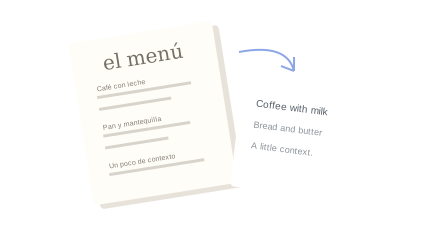
Understand a menu, a station notice or product packaging. Photograph the complete text so important context stays in the image.
 Illustration
Apps & conversations
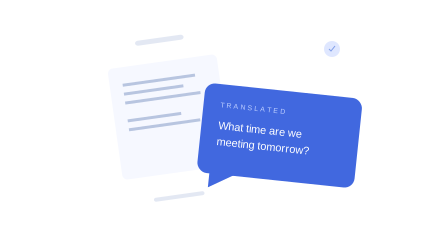
Read words saved inside an app screen or picture. For screenshot-specific help, visit our screenshot translator.
 Illustration
Study & paperwork
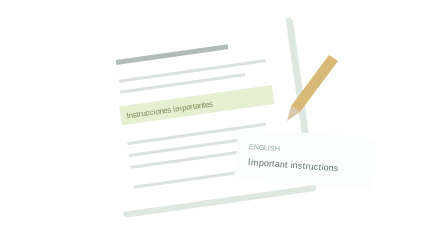
Translate text in a scan or a photo of a document. Upload a JPG, PNG or WebP screenshot of a PDF page, not the PDF itself.
Image translation first needs to recognize the words. A clearer photo gives it a better starting point.
Use even lighting, avoid glare and keep the camera parallel to the page. Crop extra background without cutting off words.
Short labels, mixed-language pictures and unusual fonts can be harder to identify automatically.
Review names, dates, prices and warnings. Cursive or blurry handwriting may be misread; use a professional for official translations.
Upload the image, leave the source on Auto detect or select its language, and click Translate to English. Review the translated image beside the original. You can then download it or use Copy English text.
Yes. Upload one JPG, PNG or WebP image up to 3 MB. WebP images are converted for translation and must also fit the limit after conversion. Convert PDF or HEIC files to a supported image format first.
The tool returns a translated image. You can download that image or choose Copy English text, which uses a separate text extraction and translation operation.
Yes. Upload a screenshot or a scan saved as JPG, PNG or WebP. Make sure the words are clear and the image is within the 3 MB limit. Upload an image of a page rather than the PDF itself.
Try a sharper image, avoid glare, and check the source language. Names, dates, prices and unusual fonts may need extra review. Use a professional for official translations.
Clear, printed-style handwriting may work. Cursive, faded or blurry writing can be misread. Review the English result carefully.
You can use this tool without creating an account or paying. Translation depends on service availability and usage limits.
Yes, the tool works in a mobile browser. Images are sent to the translation service when you translate them. Avoid uploading sensitive information and read our privacy policy for details about data processing. Read the privacy policy.