
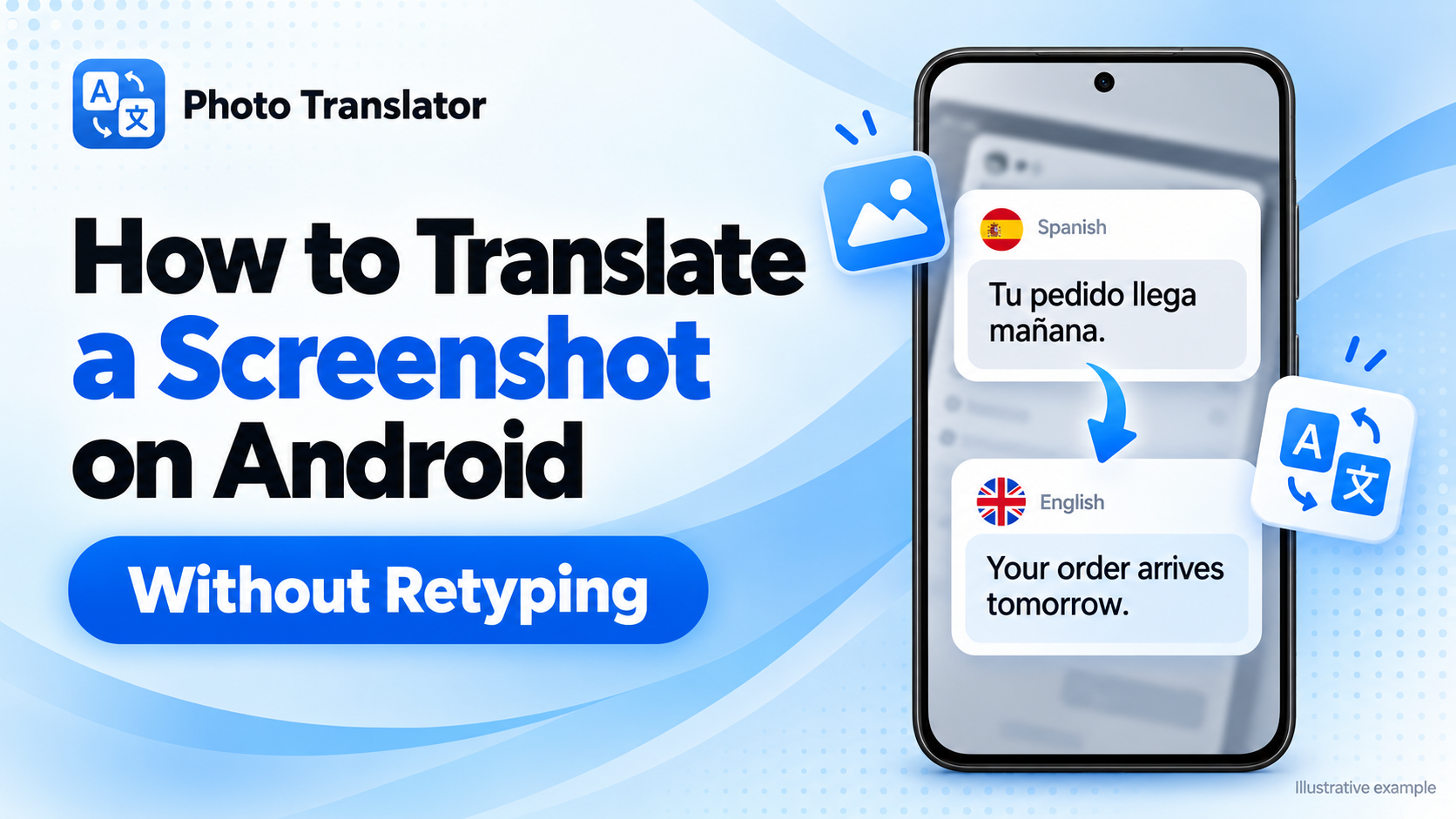
Cómo traducir una captura de pantalla en Android sin tener que volver a escribir el texto
To translate a screenshot on Android, open the saved image in Google Translate or Google Lens, then choose your target language. You can also upload it to a browser-based screenshot translator without installing another app.
Tanto si necesitas entender la configuración de una aplicación, las instrucciones de un juego o un mensaje en un idioma extranjero, estos métodos leen el texto directamente de la imagen.
¿Qué método deberías elegir?
| Tu punto de partida | Method |
| ¿Quieres subir una captura de pantalla sin instalar ninguna aplicación? | PhotoTranslator.net en tu navegador |
| Ya utilizas Google Translate | Importa la imagen guardada |
| Tu captura de pantalla está abierta en Google Fotos | Google Lens |
Choose the option that fits the apps you already use. You do not need to try all three.
Translate a Screenshot in Your Android Browser
For a browser-based workflow:
- Open the Screenshot Translator in Chrome or another browser.
- Pulsa en «Elegir archivo» y selecciona la captura de pantalla que hayas guardado.
- Elige el idioma de origen que aparece en la imagen.
- Selecciona el idioma de destino, por ejemplo, el inglés.
- Pulsa en «Traducir» y revisa el resultado.
La herramienta admite imágenes en formato PNG, JPG y WebP. Una vez finalizado el procesamiento, puedes copiar el texto traducido o utilizar la opción de descarga de la imagen traducida.
To translate a screenshot to English on Android, select English as the target language. You can also open the dedicated Translate Image to English tool.
Comprueba los nombres, las horas y los números importantes cotejándolos con el original antes de utilizar la traducción.
Traducir una captura de pantalla guardada con Google Traductor
If you already have Google Translate installed:
- Abre Google Traductor.
- Choose the source and target languages.
- Tap Camera.
- Tap All Images, or the image-selection control shown in your version.
- Select the screenshot and review the translation.
The camera section also handles saved images—you do not need another phone to photograph your screen. Google explains this workflow in its Android image translation instructions.
Traducir una captura de pantalla con Google Lens
Google Lens is convenient when the image is already open in Google Photos.
- Abre Google Fotos y selecciona tu captura de pantalla.
- Tap Google Lens, either through a visible shortcut or the More menu.
- Selecciona «Traducir» cuando esté disponible.
- Check the target language and read the result.
Los controles pueden variar según la versión de la aplicación. Si no encuentras Lens, utiliza la función de importación de imágenes de Google Traductor o el método del navegador. Consulta las instrucciones de Google Lens para conocer el flujo de trabajo actual en Fotos.
What If the Text Is Still on Your Screen?
On supported Android phones, Circle to Search can translate visible text without saving a screenshot first.
Mantén pulsado el botón de inicio o el controlador de navegación y, a continuación, pulsa «Traducir» cuando aparezca la función. La disponibilidad depende de tu dispositivo, y algunas aplicaciones la restringen. La guía «Circle to Search» de Google explica cómo funciona esta función.
For an image someone has sent you, use one of the saved-screenshot methods above.
Fix Missing or Incorrect Text
Android screenshot translation works best when the original characters are clear.
| Problem | Qué probar |
| Words are missing | Captura una sección más pequeña con texto más grande |
| The wrong language appears | Select the source and target languages manually |
| Se mezclan mensajes distintos | Translate one complete message at a time |
| Numbers look incorrect | Compare them directly with the original screenshot |
Keep complete sentences together when cropping. A single button label or short reply may not provide enough context.
If you can reopen the original content, increase its text size before taking another screenshot. Enlarging an already blurry image cannot restore missing detail.
Frequently Asked Questions
¿Puedo traducir una captura de pantalla en Android sin descargar ninguna aplicación?
Yes. Open a browser-based screenshot translator, upload the image, and choose your languages.
Can I translate text that I cannot copy?
Yes. Screenshot translation uses text recognition to read visible characters inside the image, even when the original app does not offer a Copy option.
¿Funciona «Tocar para traducir» con capturas de pantalla?
Not directly. Google’s Tap to Translate works with copied text r
en lugar de imágenes. Para hacer una captura de pantalla, utiliza Lens, la función de importación de imágenes o el traductor del navegador. Explicación de Google.
Does this work on Samsung and Pixel phones?
You can use a compatible browser or translation app on either. The location of your screenshots and the available shortcuts may differ.
¿También utilizas un dispositivo de Apple? Descubre cómo traducir una captura de pantalla en el iPhone.