
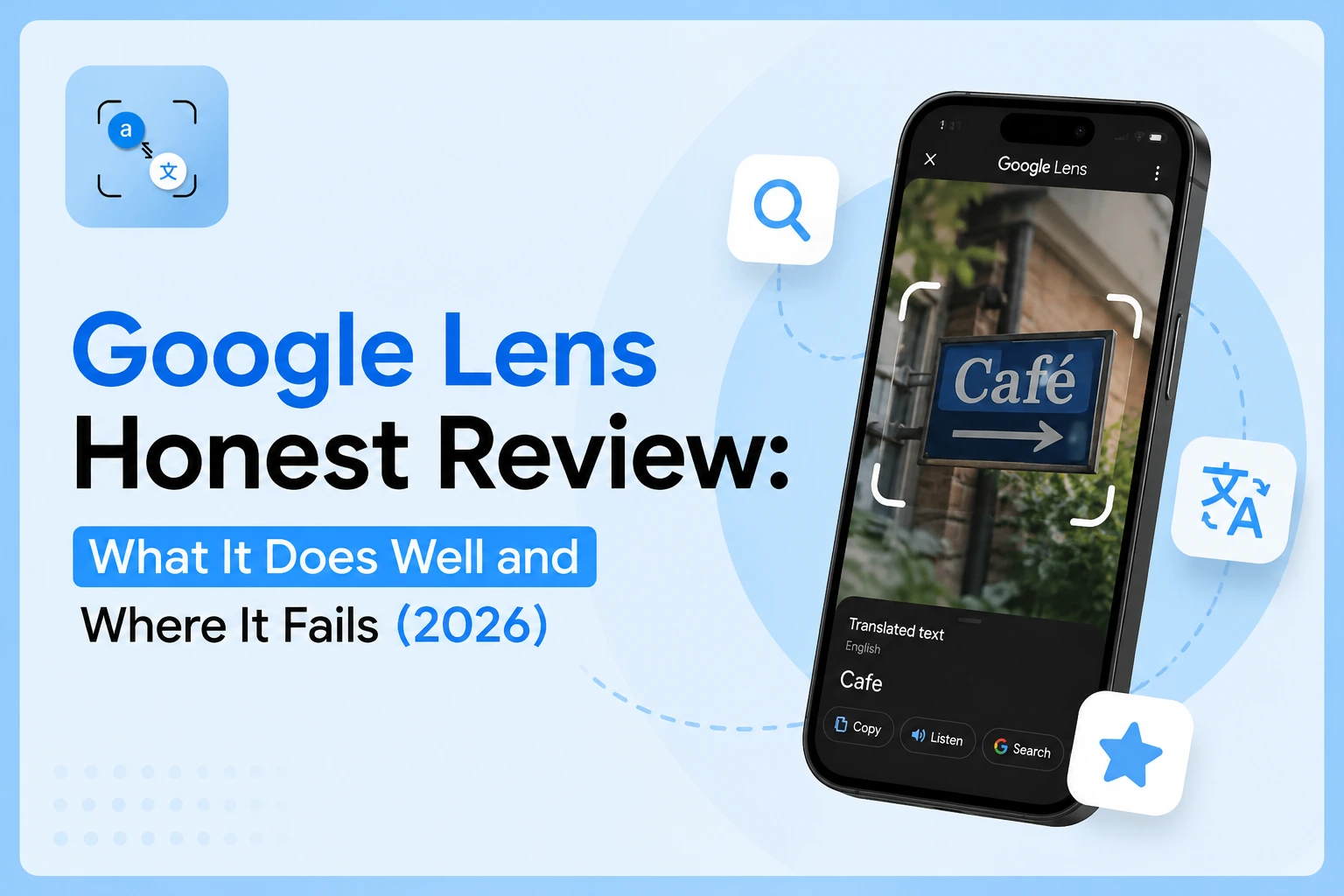
Google Lens is one of the most capable free tools on any smartphone, but it has real limitations most reviews don't mention. Here is what it actually does well, where it falls short, and when you should use something else instead.
ما الذي يجيده «جوجل لينز» حقًّا
Real-Time Sign and Menu Translation
كيف تعمل ميزة «Google Lens» أثناء السفر؟ ما عليك سوى توجيه الكاميرا نحو نص بلغة أجنبية، وستظهر الترجمة فوق النص في الوقت الفعلي — دون الحاجة إلى النقر أو التحميل أو الانتظار. تدعم الميزة أكثر من 100 لغة، كما تتحديث الترجمة المعروضة بتقنية الواقع المعزز (AR) مع تحريك الكاميرا. بالنسبة للمسافرين الذين يحتاجون إلى قراءة قائمة مطعم أو لافتة شارع على الفور، لا تزال هذه هي أسرع طريقة مجانية متاحة. Google Lens has over 1.5 billion active users, which reflects how useful it is for exactly this kind of everyday, in-person task.
تحديد الهوية للأشياء والمنتجات
Photograph any product and Google Lens returns the brand, approximate price, and where to buy it, pulling from a database of over 45 billion products. It also identifies plants with 92%+ accuracy, recognises animal species, and identifies landmarks. For shopping, nature, and travel identification, this visual search tool is genuinely impressive and consistently accurate on well-photographed subjects.
استخراج النصوص من صور واقعية
Point Google Lens at a printed document, whiteboard, or business card, select the text you want, and copy it directly. This Google Lens text extraction feature works cleanly on clear printed text in good lighting and is built into most Android cameras no download required. For quick, casual text grabs in person, it handles the job without friction.
نقاط ضعف Google Lens: «الجانب الصادق»
It Requires Internet for Almost Everything
Does Google Lens work without internet? No, and this is one of the most significant practical limitations. Translation, text extraction, and object recognition all of it requires an active connection. On a plane, in a basement, in a rural area, or travelling internationally without data roaming, Google Lens is essentially unusable. Apple's Live Text is the only major alternative that works fully offline for text extraction.
Accuracy Drops on Low-Quality or Uploaded Images
صُمم «Google Lens» للاستخدام مع المدخلات الحية من الكاميرا. وعندما تُزوده بلقطة شاشة أو مستندًا ممسوحًا ضوئيًّا أو صورة ملتقطة في إضاءة ضعيفة، تكون النتائج أقل دقة بشكل ملحوظ. يفشل Google Lens في التعامل مع الصور الضبابية بنمط يمكن توقعه؛ فطبقة التعرف الضوئي على الحروف (OCR)، التي تعمل بسلاسة مع المشاهد الحية المضاءة جيدًا، تواجه صعوبة في التعامل مع نفس المحتوى عند تحميله بشكل ثابت. تتوفر ميزة التعرف على الكتابة اليدوية، لكنها غير متسقة، خاصةً مع النصوص المكتوبة بخط متصل أو الأحرف غير اللاتينية. One recurring user complaint across review data confirms this directly: the tool "requires a clear image to give exact results."
Privacy: Your Images Go to Google's Servers
Every photo processed by Google Lens is sent to Google's cloud infrastructure. Google's privacy policy states that data can be used to "improve services," vague wording that gives the company broad latitude over how your image data is handled. For personal documents, contracts, medical records, and financial statements, this is a real concern. Users who need offline, account-free image processing need a different tool entirely. You can review and delete your Lens activity history at myactivity.google.com.
Not Built for Document Translation Workflows
يُعد «Google Lens» أداة ممتازة للقراءة السريعة في الوقت الفعلي. لكنه لم يُصمم لتحميل صورة محفوظة أو ترجمة لقطة شاشة لملف PDF. ولا توجد طريقة لحفظ النص المترجم أو تصديره أو تنظيمه؛ فإما أن تنسخه يدويًّا أو تفقده. لا توجد معالجة مجمعة، ولا إخراج نص قابل للتحرير، ولا سير عمل على مستوى المستند. بالنسبة لأي شخص يحتاج إلى ترجمة صورة محفوظة أو مستند ممسوح ضوئيًا والعمل على النتيجة، فإن Google Lens تخلق مشاكل أكثر مما تحل.
Google Lens vs Other Translation Tools — Quick Comparison
| Feature | Google Lens | Apple Live Text | phototranslator.net |
| Works offline | No | Yes | No |
| Requires app / account | التطبيق مطلوب | Built-in iOS | No account |
| Translates uploaded photos | Limited | No | Yes |
| Exports / saves text | No | No | نعم |
| Best for | الكاميرا الحية، السفر | Quick iPhone grabs | تحميل + ترجمة |
For a deeper breakdown of how each tool performs on the same real images, menus, size charts, and scanned documents.
If you need to upload a saved photo and get clean, editable translated text, browser-based photo translation handles that workflow without an app or account. It's simple and easy to use. I've already covered this in detail in a previous blog post
من ينبغي له استخدام «جوجل لينز» ومن لا ينبغي له ذلك
استخدم «Google Lens» في الحالات التالية:
- You are travelling and need to read live text through your camera in real time
- You want to identify a product, plant, or landmark on the spot
- أنت تستخدم نظام أندرويد وتحتاج إلى نسخ نص سريع من صورة حقيقية مضاءة جيدًا
DO NOT rely on Google Lens if:
- تحتاج إلى ترجمة صورة محفوظة أو لقطة شاشة أو مستند ممسوح ضوئيًا
- أنت تتعامل مع وثائق حساسة ومسائل تتعلق بخصوصيتك
- You need to work without an internet connection
- يجب عليك تصدير النص المترجم أو حفظه أو تعديله بعد الانتهاء من الترجمة
FAQ
س: هل يُعد «Google Lens» دقيقًا في ترجمة النصوص من الصور؟
ج: بالنسبة للنصوص المطبوعة الواضحة والمضاءة جيدًا، تتمتع «Google Lens» بدقة ترجمة عالية، لا سيما بالنسبة للغات الشائعة مثل الإسبانية والفرنسية والصينية واليابانية. تنخفض الدقة في حالة الصور غير الواضحة، والكتابة اليدوية، والخطوط الأقل شيوعًا. أما بالنسبة للترجمة المباشرة عبر الكاميرا لللافتات وقوائم الطعام، فإن الأداء موثوق به. أما بالنسبة للقطات الشاشة التي تم تحميلها أو المستندات الممسوحة ضوئيًا، فإن النتائج أقل اتساقًا مقارنة بالأدوات المصممة خصيصًا لهذا الغرض.
س: هل يعمل Google Lens بدون اتصال بالإنترنت؟
A: No. Google Lens requires an active internet connection for almost all its features, including translation and text extraction. If you are in an area with no signal on a plane, in a basement, or abroad without data roaming, it will not function. Apple's Live Text is the only major free alternative that works fully offline for text recognition.
Q: Does Google Lens save or store my photos?
A: Images processed by Google Lens are sent to Google's servers for processing. If Web & App Activity is enabled on your Google account, your Lens searches may be stored and linked to your profile. You can review and delete this history at myactivity.google.com. For sensitive documents, use a tool that processes images locally or deletes them immediately after conversion.
Q: Can I use Google Lens to translate a photo I already took?
A: Yes, open Google Photos, tap the Lens icon on any saved image, and select Translate. However, accuracy on saved photos is lower than live camera use, particularly for screenshots or scanned documents. For better results on uploaded images, a dedicated photo translation tool handles this workflow more reliably, especially for dense text like size charts or multi-paragraph documents.
Q: How do I fix Google Lens when it stops working?
A: The most common causes are no internet connection, an outdated Google app, or denied camera permissions. Fix in order: check your internet connection → update the Google app → go to Settings → Apps → Google → Permissions → enable Camera. Clearing the app cache (Settings → Apps → Google → Storage → Clear Cache) resolves most freezing issues. If Google Lens text copy is not working, restarting the app after clearing the cache fixes this in most cases.
Wrap up
Google Lens is the best free tool for live translation and object identification on a smartphone. For uploading saved photos or translating documents privately, a dedicated tool gives you more control.