
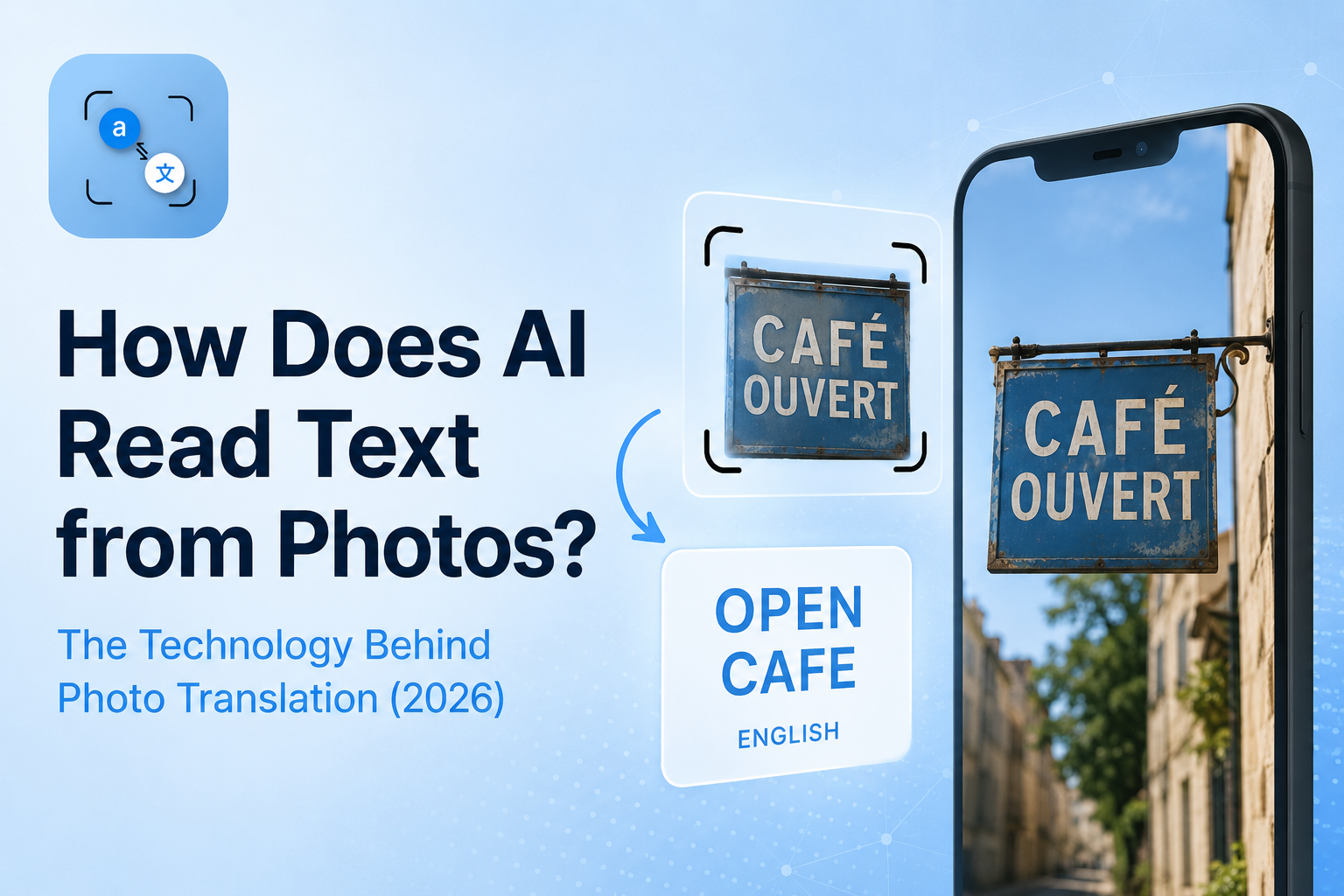
You set your phone camera to a restaurant menu in Tokyo. In less than a second, the text on that menu appears in English on your screen.
No typing. No guessing. Just instant understanding.
But have you ever stopped to know what actually happens inside your phone in that fraction of a second? How does a machine look at a photo and read it as a human would?
The answer is a combination of two powerful technologies working together “Optical Character Recognition” (OCR) and “Artificial Intelligence”. And in 2026, this combination has become smarter, faster, and more accurate than ever before.
This guide breaks down the full technology behind online photo translation, explained in plain language, step by step.
What Technology Does Online Image Translation Use to Read Text?
When you upload an image to a Text tool, it does not just "see" the image the way you do. A computer receives an image as millions of tiny colored dots called pixels. Without the right technology, it has no idea that some of those dots form the letter "A" or the word "menu."
Two layers of technology solve this problem.
The Old Way: How Traditional OCR Worked
Optical Character Recognition has been around since the 1970s. The early idea was simple: scan an image, find shapes that look like letters, and match those shapes to a known alphabet.
Classic OCR systems relied on rule-based pattern matching, which meant they were only as good as the rules someone programmed into them. If you want to understand this in full detail, we have already covered it in our complete guide: How Does OCR Work? Step by Step
That approach had a hard ceiling. And for real-world Picture translation, that ceiling was too low.
The New Way: How AI and Vision Language Models Changed Everything
Starting around 2022 and accelerating rapidly into 2026, a new class of technology took over: Vision Language Models (VLMs).
A Vision Language Model does not just look for letter-shaped patterns. It understands the entire image layout, context, surrounding words, and even the meaning of what it reads. As explained in a 2026 research piece by Emojot Engineering, modern VLMs collapse what used to be a multi-stage process detect, recognize, parse, translate into a single end-to-end operation.
You upload an image. The model reads it, understands it, and delivers structured, translated output. All in one step.
What Is the Difference Between OCR and AI in Online Photo Translation Apps?
Think of it this way:
-
Traditional OCR reads individual letters like a child sounding out the alphabet one character at a time, without understanding the whole word.
-
AI-powered translation reads like a fluent adult, understanding context, correcting obvious errors, and handling messy or unusual text naturally.
In practice, this means an AI photo translation tool can read a handwritten sticky note, a faded receipt, or text on a curved coffee cup, in situations where old OCR systems would simply fail.
How Does Your Phone Translate Text from a Picture Instantly? (Step by Step)
Here is exactly what happens behind the scenes from the moment you tap "translate" to the moment the result appears on your screen.
Step 1: Image Capture and Preprocessing
Before anything else, the image needs to be prepared. The system adjusts brightness and contrast, straightens the point of view if the photo was taken at an angle, and isolates the regions of the image that are likely to contain text.
This preprocessing step is what makes modern tools handle real-world photos just as perfectly as scanned documents.
Step 2: Text Detection Finding Where the Words Are
Next, the AI locates every area of the image that contains text. This is different from reading the text it is just drawing an invisible box around every word or line first.
This step uses a technique called scene text detection, which is built to handle text in the in real life on signs, menus, packaging, handwritten notes, and more.
Step 3: Character Recognition Reading Each Letter
Now the real reading begins. The model analyzes each detected region and identifies the characters inside it. In 2026, large language model-based OCR systems achieve above 95% accuracy on clear printed text, according to AIM Research's state of OCR report.
For handwriting and unusual scripts, accuracy is lower but improving every year as models are trained on larger and more diverse datasets.
Step 4: Language Detection and Neural Translation
Once the text is extracted, the system automatically identifies its language, with no input from you. It then passes the text to a neural machine translation engine, which translates it into your target language.
Modern translation engines do not translate word by word. They translate meaning taking the full sentence into account to produce natural, readable output.
Step 5: Output Delivering the Result in Milliseconds
Finally, the translated text is returned to your screen. The entire process preprocessing, detection, recognition, language identification, translation happens in well under a second on modern devices.
That speed is not magic. It is the result of models trained on billions of images and text samples, optimized to run efficiently even on a mobile processor.
How Accurate Is AI at Reading Text from Photos in 2026?
Accuracy depends on three main factors: the type of text, the image quality, and the language.
Printed Text vs Handwritten Text Accuracy
For standard printed text in common fonts, AI-powered tools now reach 98–99% accuracy under good conditions. That is near-human level.
Handwritten text is a different story. Neat, separated handwriting can be read with reasonable accuracy. Joined cursive, messy scrawl, or faded ink still causes errors even for the most advanced models available today.
Why Bad Lighting or Blur Still Affects AI Reading
Even the smartest AI cannot create something in detail that is not there. If an image is too dark, too blurry, or shot at a sharp angle, the underlying pixel data is simply missing the information the model needs.
This is why getting a clean photo still matters even in 2026. Better input always produces better output.
Which Languages AI Reads Best (and Worst)
AI models are trained on data. Languages with massive amounts of digital text English, Spanish, French, Chinese, Arabic are read with high accuracy.
Less-resourced languages, and scripts like Nastaliq Arabic (used in Urdu and Farsi), remain more challenging. As noted in AIM Research's 2026 OCR benchmark, even state-of-the-art models struggle with certain handwritten Arabic font styles.
Progress is being made but language coverage is not uniform yet.
Can AI Read Handwritten Text from a Picture and Translate It?
Yes but with important caveats.
If your handwriting is clear, printed-style, and uses a well-supported language, modern AI picture translation tools handle it surprisingly well. The key factors are: letter separation (joined letters are harder), contrast (dark ink on light paper works best), and image sharpness.
For formal documents or important content, always review the output manually. AI reads handwriting well enough for everyday use, but it is not infallible and for medical, legal, or financial text, human verification still matters.
Why Do Modern Image Translation Tools Use AI Instead of Just OCR?
The short answer: because the real world is messy, and old OCR was built for perfect conditions.
The Speed Advantage
Traditional OCR pipelines had multiple separate stages each one adding processing time. Modern AI models collapse this into a single pass, which is why translation now happens in milliseconds instead of seconds.
The Accuracy Advantage
AI models understand context. If a letter is slightly unclear, the model uses the surrounding words to make an intelligent guess the same way a human reader would. Classic OCR had no such backup.
The Multilingual Advantage
Old OCR tools needed to be manually configured for each language. AI-powered systems detect the language automatically and handle dozens of scripts Latin, Cyrillic, Arabic, Chinese, Devanagari, and more within the same model.
According to Extractivo's complete OCR guide, most modern AI tools now support between 30 and 100 languages out of the box with no setup required from the user.
Frequently Asked Questions
Q: How does AI read text from blurry photos?
A: AI uses preprocessing algorithms to enhance contrast and sharpness before attempting to read text. However, severely blurry images still reduce accuracy the AI can compensate for minor blur, but it cannot reconstruct detail that was never captured.
Q: Is Image translation the same as OCR?
A: No. OCR is just one part of Imagetranslation. OCR handles the text extraction reading the characters from the image. Online Image translation adds a second layer: neural machine translation, which converts that extracted text into another language.
Q: How does photo translation work on iPhone vs Android?
A: The underlying AI technology is the same regardless of device. The difference is in the camera hardware and processing power, which affect image quality and speed. Both platforms support the same web-based and Apps based Extraction translation tools without any meaningful accuracy difference.
Q: How accurate is photo translation in 2026?
A: For clear printed text in well-supported languages, accuracy is 95–99%. For handwriting, unusual fonts, or low-resource languages, accuracy varies — typically 70–90% depending on conditions.
Q: What technology does Google Lens use to read text?
A: Google Lens uses a combination of computer vision models and Google's own neural machine translation engine. It is one of the most capable tools available for on-device text recognition, particularly for common printed text in major languages.
The Bottom Line
In 2026, reading text from a photo is no longer a technical challenge it is a solved problem for everyday use cases. The combination of AI-powered Vision Language Models and neural machine translation has taken photo translation from a bulky, error-prone feature to something genuinely reliable.
The core journey: your photo goes in, the AI preprocesses it, detects and reads the text, identifies the language, translates it and the result appears on your screen before you have finished blinking.
Understanding this technology helps you use it better. Better lighting, cleaner photos, and supported languages all lead to better results because you now know what the AI is actually working with.
References
AWS — What is OCR? Optical Character Recognition Explained
Emojot Engineering / Medium — OCR and Image Analysis in the AI Era: The Rise of Vision-Language Models (January 2026)
Free-com — OCR Text Recognition in 2026