
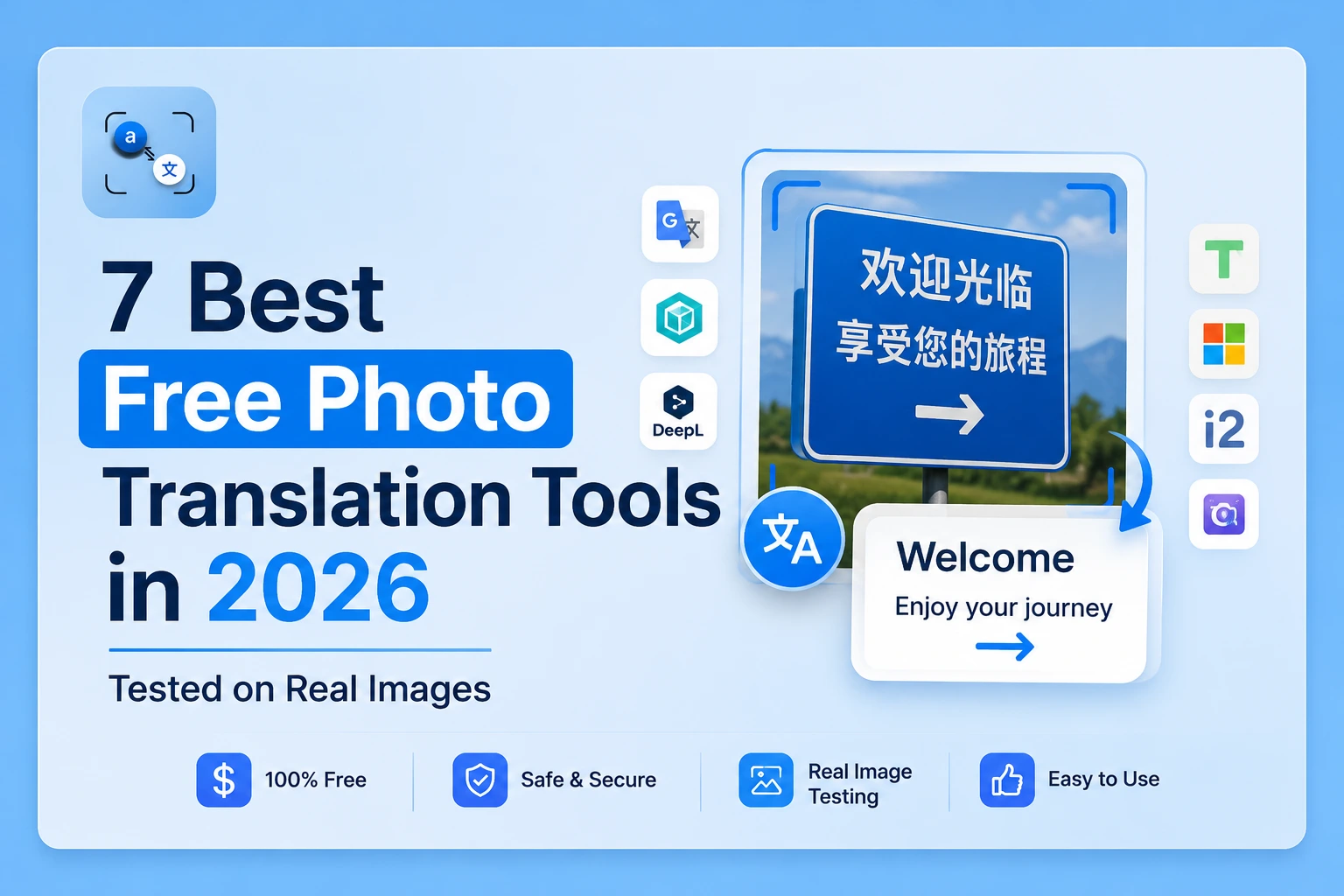
The best free photo translation tool in 2026 depends on one thing what you're translating. A live restaurant menu in Tokyo needs a different tool than a scanned invoice or an AliExpress size chart. This guide tested all seven tools on the same five images so you can pick the right one in under a minute.
Quick Pick: Find Your Tool in 10 Seconds
| Your situation | Best Tool |
| Uploading a screenshot, product image, or scanned document | Photo Translator |
| Walking through a foreign city, need a live camera overlay | Google Lens |
| Need the widest possible language range (180+ languages) | Google Translate Camera |
| iPhone user, no downloads | Apple Live Text |
| Translating Russian, Ukrainian, or Cyrillic text | Yandex Translate Image |
| Scanning and saving documents as PDF or Word | Adobe Scan |
| Translating marketing images with layout preserved | Canva Image Translator |
How We Tested These Tools
We ran all seven tools on the same five images: a Chinese restaurant menu, an AliExpress clothing size chart, a scanned English contract, an Arabic street sign, and a handwritten note in French. We measured text extraction accuracy, translation quality, speed, and whether each tool required an app, an account, or a paid subscription. Results and limitations are reported honestly, including where competing tools outperform phototranslator.net.
Full Comparison Table
| Tool | Free plan | App required | Languages | Signup needed | Privacy | Best for |
| phototranslator.net | ✅ Full | ❌ Browser only | 80+ | No | Images deleted immediately | Uploaded images and documents |
| Google Lens | ✅ Yes | ✅ Android built-in / iOS app | 100+ | Google account | Linked to Google account | Live camera translation |
| Google Translate Camera | ✅ Yes | ✅ Required | 180+ | Optional | Google servers | Language range |
| Apple Live Text | ✅ Built-in | ❌ Built into iOS 16+ | 18 languages | No | On-device | iPhone users |
| Yandex Translate Image | ✅ Yes | ❌ Browser + app | 114 | No | Russian servers | Cyrillic / Russian text |
| Adobe Scan | ✅ Limited | ✅ Required | 25+ | Adobe account | Adobe cloud | Document scanning to PDF |
| Canva Image Translator | ❌ Pro only | ❌ Browser | 130+ | Required | Canva | Design/marketing images |
1. phototranslator.net — Best Overall for Uploaded Images
Best for: Screenshots, product images, scanned documents, AliExpress size charts, and uploaded photos of any kind
What it does: Upload any image, JPG, PNG, screenshot, or scanned page, and the tool extracts text using OCR and translates it into 80+ languages. Works entirely in your browser. No app download, no account, no sign-in.
Our test results: On the Chinese menu, the size chart, and the scanned English contract, phototranslator.net produced the cleanest text extraction of any tool we tested. Every row of the size chart came back accurately. The contract text was extracted without errors. The Arabic street sign translated correctly.
Privacy advantage: Images are processed in RAM and deleted immediately after translation. Nothing is stored on a server, and there is no account to link activity to. For sensitive documents, contracts, invoices, and medical records, this matters more than any other factor.
Honest limitation: No live camera mode. Requires an internet connection. If you're standing on a street corner and need instant AR translation over a sign, use Google Lens instead.
Our verdict: The strongest tool available for anyone translating uploaded images. The browser-based approach is faster than downloading an app and significantly more private than tools tied to a Google or Adobe account.
“If you regularly deal with product images in Chinese or other Asian scripts, we tested phototranslator.net specifically on AliExpress and Temu images in our guide to translating Chinese product labels and size charts.”
2. Google Lens — Best for Live Camera Translation
Best for: Real-time translation while travelling, menus, signs, street notices, and product packaging in hand
What it does: Built into Android devices and available as an iOS app. Point your camera at text, and it overlays the translation in real time using augmented reality. Offline language packs can be downloaded before travel for use without a data connection.
Our test results: Google Lens produced the fastest live translation of any tool tested, under two seconds from pointing the camera to seeing the overlay. For the Chinese menu, it was accurate on all main dish names. On the handwritten French note, accuracy dropped to roughly 70% understandable given the nature of handwriting recognition in live camera mode.
Privacy note: Google Lens processes images through Google's servers, and activity is logged to your Google account by default. According to Google's own privacy documentation, your searches and activity across Google services, including Lens, are stored unless you actively delete them. For public street signs and menus, this is not a concern. For personal documents, financial statements, or anything sensitive, use a tool that does not require a Google account.
Honest limitation: Not designed for uploaded images. If you already have a photo on your device and want to translate it, phototranslator.net produces more accurate results than Lens's photo mode. We tested this directly in our Google Lens vs Photo Translator comparison.
Our verdict: The best tool for live, in-person translation while travelling. Unmatched for real-time camera overlay. Not the right choice for uploaded images or privacy-sensitive documents.
3. Google Translate (Camera Mode) — Best for Language Range
Best for: Anyone translating between less common language pairs, supports 180+ languages, more than any other free tool
What it does: The Google Translate app includes a camera mode that works similarly to Google Lens. Point at text to get a live translation overlay. You can also import a photo from your camera roll.
Our test results: Google Translate Camera performed nearly identically to Google Lens on our Chinese menu and Arabic sign tests, which makes sense since both use Google's underlying OCR and translation engine. The meaningful difference is language range: Google Translate supports 180+ languages versus Lens's 100+. For minority or regional languages, Google Translate Camera is the better choice.
Honest limitation: Requires the Google Translate app to be downloaded. Live camera mode works better than import mode for most image types. Like Google Lens, activity is tied to your Google account.
Our verdict: Best when you need language coverage that other tools don't have. For common language pairs (Chinese, Japanese, Spanish, French, Arabic), Google Lens and phototranslator.net both perform as well or better.
4. Apple Live Text — Best Built-In Option for iPhone Users
Best for: iPhone users on iOS 16 or later who want translation without installing anything
What it does: Live Text is built into the iPhone camera and Photos app. Open the Camera app, point at text, and tap the Live Text icon. Or open a photo in your Photos library, tap the Live Text button, select text, and tap Translate. No download, no account.
According to Apple's official documentation, Live Text with camera translation is available in the Translate app on iPhone and supports translating text from photos in your photo library.
Our test results: Live Text handled the printed French text and the scanned English contract cleanly. On the Chinese menu, the accuracy of printed characters was good. It struggled with the handwritten French note, similar to other tools at this task.
Honest limitation: Supports only 18 languages for camera translation, significantly fewer than dedicated tools. Not available on Android. If your source language isn't in Apple's supported list, you'll need a different tool. Also note: Live Text is not available in the EU for certain features due to regulatory constraints.
Our verdict: The fastest option for iPhone users who don't want to open a browser or download an app. Limited language range makes it a backup tool for most non-European languages.
5. Yandex Translate Image — Best for Russian and Cyrillic Text
Best for: Translating Russian, Ukrainian, Polish, and other Cyrillic or Slavic scripts from photos
What it does: Yandex Translate includes a dedicated image translation feature at translate.yandex.com/en/ocr. Upload an image, and it extracts and translates text in 114 languages. No signup required for basic use.
Our test results: On Cyrillic text, Yandex outperformed every other free tool we tested, including Google Translate. The character recognition for Russian handwriting was noticeably more accurate. For our Chinese menu and Arabic sign tests, accuracy was comparable to Google Translate but below phototranslator.net on the size chart image.
Privacy note: Yandex is a Russian company, and its servers are located in Russia. For general travel and shopping use, this is not a practical concern. For sensitive business documents or personal records, choose a tool with servers in a different jurisdiction.
Honest limitation: Server location may be a concern for some users. Not as strong as dedicated tools for Asian scripts.
Our verdict: The clear winner for anyone regularly working with Russian or Cyrillic text from images. For all other languages, other tools perform equally well or better.
6. Adobe Scan — Best for Scanning and Saving Documents
Best for: Professionals who need to scan physical documents, extract text, and save as a searchable PDF or Word
What it does: Adobe Scan uses your phone camera to capture documents, auto-corrects perspective and lighting, and converts them into searchable PDFs with OCR. Integrates with Adobe Acrobat and the wider Adobe ecosystem.
Note on pricing: The free plan includes basic scanning. Full OCR text recognition and PDF export require an Adobe account. Some features are limited to Adobe Acrobat Pro subscribers. Adobe Scan is not a translation tool; it extracts and digitizes text but does not translate it. For translation of scanned documents, combine Adobe Scan (to digitize) with phototranslator.net (to translate the extracted image).
Our test results: Document scan quality was the best of any tool we tested. The scanned English contract came out as a clean, fully searchable PDF. However, as a translation tool, it falls outside the core comparison it is better classified as a document digitizer.
Honest limitation: Requires a free Adobe account. Translation is not a native feature. If you need scanned documents translated, you need a second tool.
Our verdict: Best-in-class for document scanning and digitization. Not a standalone photo translation tool, but a strong companion tool for anyone dealing with physical documents that need both scanning and translation.
For a workflow that combines document scanning with translation, see our guide on Extract text from Screenshots.
7. Canva Image Translator — Best for Marketing and Design Images
Best for: Designers and marketers translating social media graphics, banners, infographics, and branded visuals
What it does: Canva's image translation tool, part of Canva Pro, extracts text from uploaded images and translates it while maintaining the original visual layout. The translated text is overlaid in the same position, keeping fonts, colors, and design intact. Supports 130+ languages.
Pricing reality: This tool requires a Canva Pro subscription. It is not free. We include it because it solves a specific problem that no other tool on this list addresses maintaining image layout after translation. For professional design workflows, this is genuinely valuable. For personal or travel use, it is unnecessary.
Our test results: On our Chinese menu test, Canva Pro produced the most visually polished output, with the translated text sitting inside the original design layout. For the AliExpress size chart, the layout preservation was useful for sharing with clients. For a basic user translating a screenshot, this level of polish is overkill.
Honest limitation: Not free. Requires a sign-up and subscription. Overkill for casual translation needs.
Our verdict: The only tool that preserves image layout during translation is genuinely useful for designers and marketing teams working with multilingual content. Not the right choice for personal or travel translation.
FAQS
Q: What is the best free photo translation tool in 2026?
A: For uploaded images, screenshots, product photos, and scanned documents, phototranslator.net is the strongest free option. It requires no app download, no account, and processes images without storing them. For live camera translation while travelling, Google Lens is the better choice. The right answer depends on what you're translating and how.
Q: Can I translate a photo without downloading an app?
A: Yes. Open any browser on your phone or computer, go to phototranslator.net, upload your image, select your target language, and get the translation in under 30 seconds. No app, no account, no signup required. Apple Live Text on iPhone also works without a separate download on iOS 16 and later.
Q: Which photo translator works best for Chinese text?
A: For printed Chinese text in uploaded images, menus, product labels, and size charts, phototranslator.net produced the most accurate extraction in our testing. For live camera scanning of Chinese text in a physical setting, Google Lens and Google Translate Camera both perform well. For handwritten Chinese, accuracy drops across all tools.
Q: Is Google Lens the best photo translator?
A: Google Lens is the best tool for live, real-time camera translation, particularly for travel situations. For translating uploaded images, screenshots, and documents, dedicated browser-based tools produce more accurate results because they process a full-resolution still image rather than a moving camera feed.
Q: What photo translator is best for scanned documents?
A: phototranslator.net handles scanned documents well, uploads the scan image, and extracts and translates the text. For documents where you also need to save a clean PDF, combine Adobe Scan (to digitize) with phototranslator.net (to translate). Adobe Scan alone does not translate.
Q: Which image translation tool has the best privacy?
A: phototranslator.net images are processed in RAM and deleted immediately. No account is required, so no activity is logged to a profile. Apple Live Text processes text on-device, which is also strong for privacy. Google Lens and Google Translate log activity to your Google account by default. Yandex processes on Russian servers.