
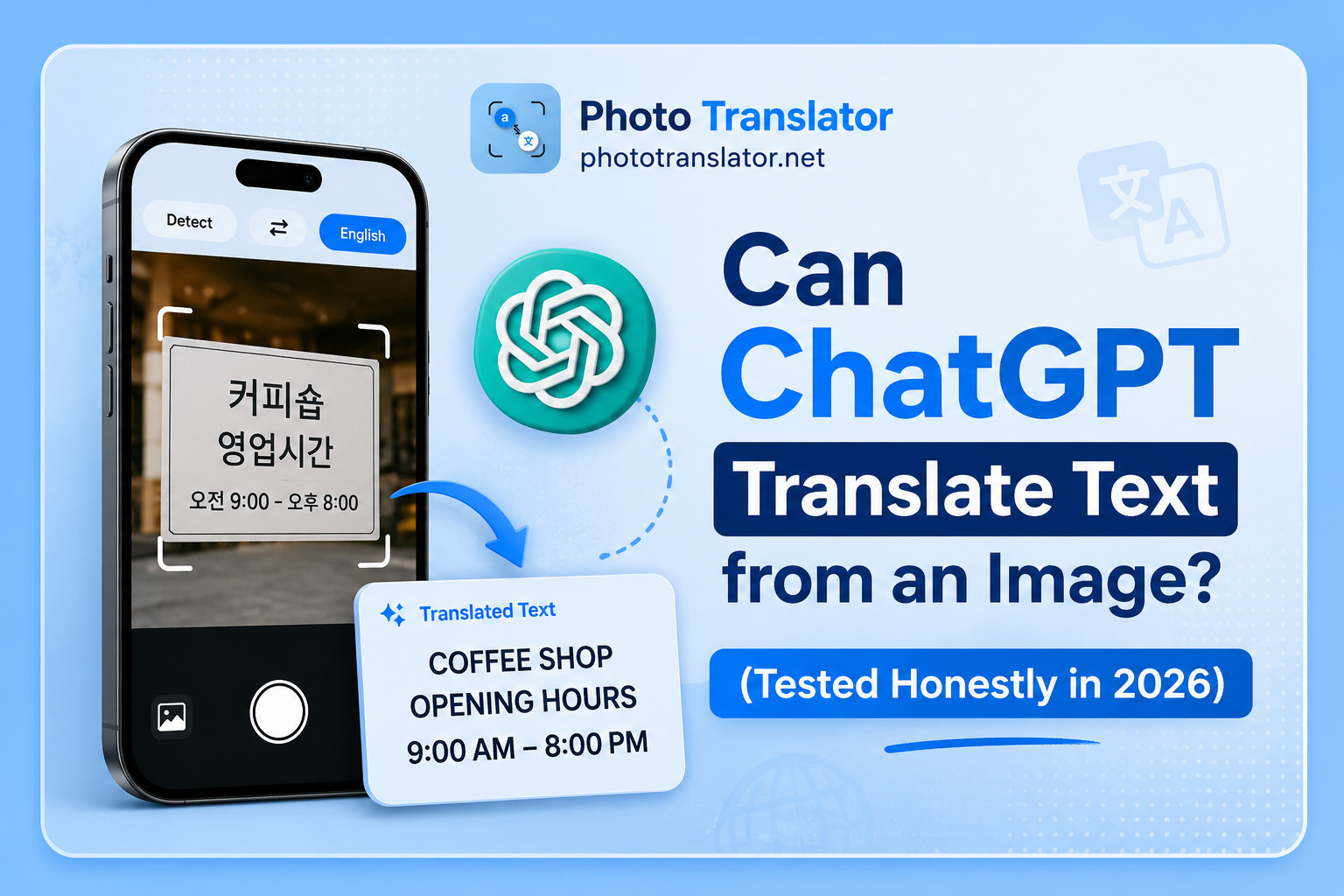
Yes, ChatGPT can translate text from an image, but only under specific conditions. It requires a vision-enabled model, works best on clear printed text, and has real limitations around formatting, account requirements, and accuracy on poor-quality images. Here is exactly what works, what fails, and when to use something else.
How ChatGPT Reads and Translates Image Text
ChatGPT image translation became reliable when GPT-4o launched with built-in vision capability. The model can process images directly, not just text. You upload a photo, ask it to translate, and it extracts and translates in one step.
This is meaningfully different from basic OCR tools. ChatGPT reads context and tone alongside the characters. It understands that "pollo al ajillo" on a Spanish menu means garlic chicken, not a literal word-for-word translation. That contextual layer is genuinely useful for menus, signs, and informal text.
One important clarification many users miss. The standalone tool at chatgpt.com/translate does not support image uploads as of 2026. Image translation only works inside the main ChatGPT interface at chat.openai.com using GPT-4o or GPT-5.
According to a detailed capabilities review from gptprompts.ai, ChatGPT Vision reads PNG, JPEG, WEBP, and non-animated GIF files up to around 20 MB each. It is strongest at OCR on screenshots and printed text, and weakest on messy handwriting and complex layouts.
What You Need to Use It (Free vs Paid)
This is the most common frustration point, and most articles skip it entirely.
ChatGPT image upload translation works on Free, Plus, Pro, Team, and Enterprise tiers, but with significant differences. Free users get a limited number of image uploads per day before hitting a cap. ChatGPT Plus at $20 per month gives consistent GPT-4o access with up to 80 file uploads per three-hour window. Pro and Team plans go higher.
The practical reality for most users is that translating a screenshot with ChatGPT on the free tier works sometimes and fails other times depending on daily usage. If you need reliable image translation without hitting limits, ChatGPT Plus is effectively required. And if you want to translate image text without any account at all, ChatGPT is simply not an option.
How to Translate an Image with ChatGPT (Step by Step)
Step 1: Open ChatGPT at chat.openai.com or the mobile app on iOS or Android. Confirm you are using GPT-4o or GPT-5, not GPT-4o mini, as the mini model handles image tasks less reliably.
Step 2: Click the paperclip or image icon and upload your photo. This works with menu photos, street signs, product labels, screenshots, and scanned documents.
Step 3: Type your instruction clearly. "Translate all text in this image into English" works well. If you need a specific target language, state it. "Translate this into French" gives cleaner results than leaving it open.
Step 4: ChatGPT returns the extracted and translated text in the chat window. Copy it manually. There is no export button, no download option, and no way to save the output as a file directly from ChatGPT.
Where ChatGPT Image Translation Falls Short
This is the section most reviews skip. Here is what actually fails in real use.
No account means no access. The biggest pain point by search volume is people trying to use ChatGPT image translation for free without an account. It simply does not work. If you need to translate a photo right now without creating an account or paying anything, ChatGPT is not the right tool.
Formatting is completely lost. When ChatGPT translates a menu, invoice, or table from an image, it returns everything as a flat plain text block. The original layout disappears. A restaurant menu with three columns comes back as a continuous paragraph. A product specification table becomes a list of disconnected lines. For documents where layout matters, this is a genuine workflow problem, not a minor inconvenience.
Accuracy drops on imperfect images. ChatGPT OCR accuracy is strong on clear, well-lit, high-contrast printed text. On blurry restaurant photos, angled street sign shots, and low-light images, the model misreads characters and occasionally generates text that was not in the original image at all. This is what AI researchers call hallucination, and it happens more often on image inputs than text inputs. Handwritten text in particular, especially cursive or non-Latin scripts, produces inconsistent results across all image quality levels.
Privacy works the same way as Google. Every image you upload to ChatGPT is processed on OpenAI's cloud servers. By default, OpenAI may use your inputs to improve their models unless you opt out in your settings or use an Enterprise plan. For sensitive documents, medical records, or confidential contracts, review the OpenAI data settings before uploading anything personal. The same concern applies to Google Lens, which we covered in detail when looking at how Google Lens handles your image data versus browser-based tools.
ChatGPT vs a Dedicated Photo Translator
|
Feature |
ChatGPT (GPT-4o) |
Browser-based photo translator |
|
Account required |
Yes (Plus for reliable use) |
No account needed |
|
Free to use |
Limited by daily cap |
Fully free |
|
Preserves layout |
Plain text only |
Side-by-side output |
|
Works on any device |
App and browser |
Any browser |
|
Image stored after use |
OpenAI cloud servers |
Deleted immediately |
|
Best for |
Nuanced contextual translation |
Fast uploads with no friction |
If you need the contextual intelligence of a large language model and you already have a ChatGPT Plus account, ChatGPT handles image translation well for menus, signs, and informal text. If you need to translate a photo right now without an account, without paying, and without your image going to a third-party server, a browser-based photo translator that requires no account handles that workflow in under 30 seconds.
Real Use Cases Where ChatGPT Wins and Where It Loses
ChatGPT wins on restaurant menus. It understands cultural dish names, cooking methods, and regional ingredients in context. A dedicated OCR tool translates "rabo de toro" literally. ChatGPT tells you it is braised oxtail. For the full picture of translating menus abroad across different countries and languages, our guide on translating restaurant menus abroad covers the scenarios where ChatGPT and dedicated tools each make sense.
ChatGPT loses on structured documents. Invoices, receipts, specification sheets, size charts. The layout is gone, and the plain text output creates more work than it saves.
ChatGPT loses without a paid account. The free tier cap hits faster than most users expect, especially on image-heavy tasks.
ChatGPT loses on sensitive content. Any document you would not want stored on a third-party server should not be uploaded to ChatGPT without an Enterprise agreement and explicit data controls in place
FAQ
Q: Can ChatGPT translate a photo for free?
A: Only partially. The free tier of ChatGPT has daily limits on image uploads and may not process image translation consistently when usage caps are reached. For reliable image translation without restrictions, ChatGPT Plus at $20 per month is effectively required. If you need completely free image translation with no account at all, a dedicated browser-based tool is the better option.
Q: How accurate is ChatGPT at reading text from images in 2026?
A: For clear, well-lit, high-contrast printed text, accuracy is strong. ChatGPT Vision handles standard photos of menus, signs, and printed documents well in good lighting conditions. Accuracy drops noticeably on blurry or angled images and becomes unreliable on handwriting, especially cursive or non-Latin scripts. Retaking the photo in better light before uploading consistently improves results across all image translation tools, including ChatGPT.
Q: Can ChatGPT translate a restaurant menu photo?
A: Yes, and this is one of its stronger use cases. Upload a clear menu photo and ask it to translate. The contextual understanding of cultural dish names and cooking terms is genuinely better than basic OCR tools.
Q: Does ChatGPT save the images I upload?
A: By default, images submitted to ChatGPT are processed on OpenAI's servers and may be used to improve their models unless you opt out in your account settings. For medical records, legal documents, financial statements, or any sensitive content, review your OpenAI data privacy settings before uploading. For documents where privacy matters, use a tool that deletes your image immediately after processing with no account attached.
Q: What is the difference between ChatGPT and a dedicated photo translator?
A: ChatGPT is a general-purpose AI that translates image text as one of many capabilities. It brings strong contextual understanding but requires an account, loses document formatting, and stores your images on OpenAI's servers. A dedicated photo translator is purpose-built for one workflow, upload an image and get translated text instantly, with no account, no subscription, no formatting loss, and images deleted immediately after processing.