
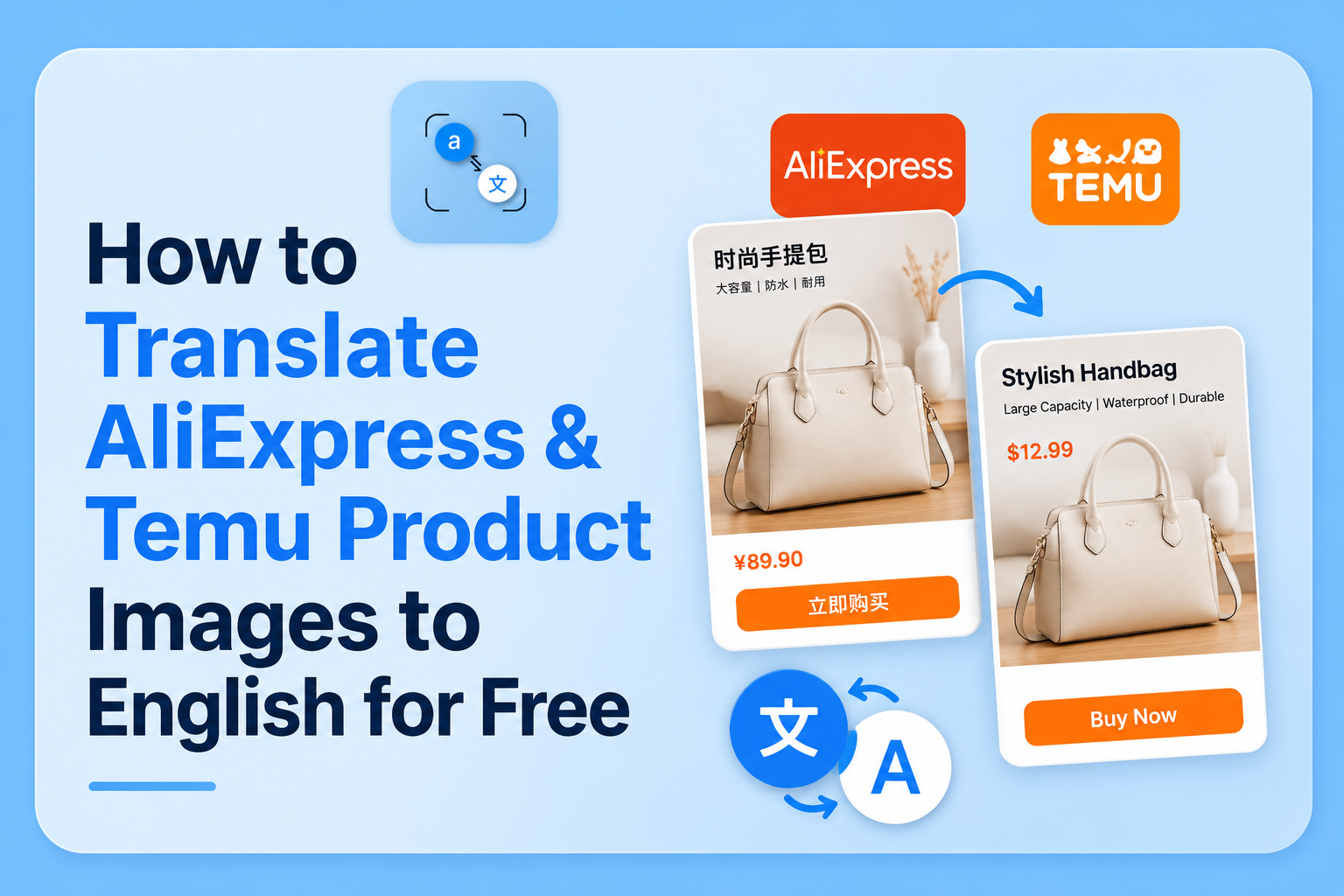
You found the exact product you want on AliExpress. The price is right. Then you open the product images and half the specifications, size chart, and ingredient label are in Chinese. You either guess, skip the product, or order the wrong size and deal with a return that takes six weeks.
There is a faster option. Upload the product image to a browser-based photo translator, get the full English text in under 30 seconds, and order with confidence. No app, no account, no guessing.
This guide shows exactly how to do it for AliExpress, Temu, Shein, and any other platform where product images arrive in a language you can't read.
Why Product Images on AliExpress and Temu Are Often in Chinese
Most sellers on AliExpress and Temu source their products directly from Chinese manufacturers. The product photography size charts, specification tables, ingredient lists, usage instructions is often created for the domestic Chinese market first and uploaded without translation.
This is a structural feature of cross-border ecommerce, not an oversight. According to Statista's global ecommerce data, China accounts for over 50% of global online retail sales, and platforms like AliExpress and Temu primarily serve as export channels for an existing domestic supply chain. The images were never meant to be translated they were simply repurposed.
For buyers, this creates a real problem: the most important product information sizing, materials, dosage instructions, voltage specifications is often embedded in the image itself, not in the translated product description. Even when the listing title and bullet points are in English, the images frequently aren't.
How to Translate AliExpress Product Image Text to English
The method takes four steps and under a minute.
Step 1: Save the product image. On desktop, right-click the image and save it. On mobile, press and hold the image to save it to your camera roll. On AliExpress specifically, tap the image in the product gallery to open the full-size version before saving the thumbnail versions, which are lower resolution and produce less accurate text extraction.
Step 2: Open phototranslator.net in your browser. Works on any device phone, tablet, or laptop. No account creation, no app download, no sign-in screen. The upload button is on the homepage.
Step 3: Upload the image and select your language. Tap upload, select the saved product image, and choose English as your target language. If the image contains Chinese text, the OCR technology in the tool identifies it automatically you don't need to specify the source language manually.
Step 4: Read the translation. The extracted text appears in full alongside the translation. For a size chart, you'll see every measurement row. For a specification table, every row contains technical data. For an ingredient list, every component. You can copy the text directly from the results.
Total time: under 30 seconds on a normal connection.
The Specific Situations Where This Saves You Money
Chinese Size Charts on AliExpress
This is the most common use case — and the one that prevents the most returns.
Chinese sizing standards differ from those of the US, UK, and Europe. A Chinese "XL" frequently corresponds to a Western "M." Most AliExpress sellers include a detailed size conversion chart in the product images, but it's labelled in Chinese: 胸围 (chest circumference), 腰围 (waist circumference), 身高 (height), 体重 (weight).
Upload the size chart image, and the full measurement table comes back in English centimetre values, weight ranges, and all. According to Ali Express's own buyer guidance, sizing disputes are one of the most common reasons for return requests. Reading the chart before ordering eliminates this.
Product Specification Images
Electronics, tools, and technical products on AliExpress often have detailed specification images, voltage, wattage, compatibility, dimensions, frequency range, all in Chinese. These specifications matter: ordering a 220V device for a 110V market, or a product with the wrong connector type, means the item is unusable on arrival.
Upload the specification image, get the full English technical readout, and verify compatibility before checkout. For electronics specifically, this step is not optional if you're buying from Chinese suppliers.
Ingredient and Material Labels on Temu
Temu's product range includes cosmetics, supplements, cleaning products, and food items, all of which may have ingredient labels embedded in product images in Chinese. For anyone with allergies or ingredient sensitivities, translating these labels before purchase is a practical safety step.
The same applies to material composition labels on clothing and textiles. "成分" means composition/ingredients. "棉" is cotton. "涤纶" is polyester. Upload the label image, and you'll know exactly what you're buying.
Dropshipping Product Images From Chinese Suppliers
If you run a dropshipping business sourcing products from AliExpress or direct Chinese suppliers, you regularly deal with product images where the embedded text is entirely in Chinese. Translating specification images, feature callout graphics, and usage instruction images lets you verify product details before listing them and write accurate English product descriptions without guessing at what the original says.
This is particularly relevant for product images with feature callouts, arrows pointing to specific components with Chinese labels. Upload the image, get the labels translated, and you know exactly what each feature is before you describe it to your customers.
What the Tool Actually Does Without the Technical Jargon
The reason a photo translator can read text from an image is OCR, optical character recognition. The tool scans the uploaded image, identifies regions that contain text, extracts the characters, and passes them to a translation engine.
For Chinese text specifically, this process handles both simplified Chinese (used in mainland China, and on most AliExpress product images) and traditional Chinese (used in Taiwan and Hong Kong). The tool automatically identifies which script is present.
What this means in practice: you don't need to do anything different for a Chinese product image than for an English one. Upload, select English as the target, translate. The image text recognition handles the rest.
If you want to understand the broader mechanics of how AI reads text from photos, we covered the full technology behind it in our guide to how AI reads text from photos and the technology behind photo translation.
AliExpress vs Temu vs Shein Does It Work on All Three?
Yes because the translation happens on the image itself, not on the platform. You're downloading a product image and uploading it to a separate tool. The platform it came from is irrelevant.
The process is identical for:
- AliExpress: save the product gallery image, upload, translate
- Temu: same process; Temu's product images frequently contain Chinese text on size charts and ingredient panels
- Shein: Shein localises more of its product content than AliExpress does, but size charts and fabric composition images are often still in Chinese or mixed-language format
- Direct supplier websites: if you source from Alibaba, DHgate, or direct factory websites, the same method applies to any product image you encounter
The one limitation: if the text in the image is very small, very low contrast, or part of a highly stylised graphic font, extraction accuracy drops. Standard product specification images and size charts, which use clear tabular layouts and readable fonts, translate cleanly.
How to Handle Low-Quality or Compressed Product Images
AliExpress and Temu compress product images heavily, particularly the thumbnail versions shown in search results. Compressed images reduce OCR accuracy because the character edges become blurred.
Two things improve results significantly:
Always open the full-size image before saving.
On AliExpress, click into the product listing, open the image gallery, and tap each image to load the full resolution version before saving. The difference between a thumbnail and a full gallery image is substantial for text extraction.
Crop to the text area if possible.
If you have a large product lifestyle photo with a small specification table in one corner, crop the image to focus on the table before uploading. A smaller file with higher text density produces better extraction than a large image where text is a small fraction of the frame.
For cases where you're regularly extracting text from screenshots for example, taking screenshots of product pages on mobile, our guide on how to extract text from screenshots on any device covers the specific techniques that improve accuracy on screenshot-based input.
Practical Workflow for Regular AliExpress Shoppers
If you shop on AliExpress or Temu regularly, this becomes a two-minute habit per order rather than a one-time process:
- Find the product, open the full image gallery
- Identify which images contain Chinese text, usually the size chart (look for a table with numbers), specification image (look for a grid or bullet list), and any label or ingredient panel
- Save each relevant image
- Upload to phototranslator.net, translate each one
- Note the correct size based on your measurements vs the chart, verify the specifications match your needs, and check the ingredients or materials
- Order with full information
For most products, this adds two to three minutes to your purchase decision. It eliminates the most common reasons for return requests: wrong size, incompatible specification, and unexpected ingredients, which saves significantly more time than it costs.
FAQ
Q: Can I translate AliExpress product images without downloading an app?
A: Yes. Open any browser on your phone or computer, go to phototranslator.net, save the AliExpress product image to your device, upload it, and select English as your target language. The full translation appears in seconds. No app download, no account, no sign-in required.
Q: Why is the AliExpress size chart in Chinese even though the listing is in English?
A: The product listing text title, description, and bullet points are translated by the seller or AliExpress's system. But the product images are uploaded as-is from the original manufacturer and are not automatically translated. Text embedded inside images cannot be translated by browser translation tools or AliExpress's built-in translation it requires a photo translation tool to extract and convert it.
Q: How do I read a Chinese size chart on AliExpress?
A: Save the size chart image from the product gallery (use the full-size version, not the thumbnail). Upload it to phototranslator.net and select English. The measurement table will come back in English with all values, chest, waist, hip, and length measurements readable. Compare your measurements to the chart before ordering.
Q: Does this work for Temu product labels, too?
A: Yes. The process is identical for Temu, Shein, Alibaba, DHgate, or any other platform. You're translating the image itself, not the platform, so the source doesn't matter. Save the product image, upload it to phototranslator.net, and translate to English.
Q: What Chinese text appears most often in AliExpress product images?
A: The most common Chinese text in AliExpress product images includes: size charts with measurement labels (胸围/chest, 腰围/waist, 身高/height), material composition labels (成分/ingredients, 棉/cotton, 涤纶/polyester), technical specifications for electronics, usage instructions, and feature callout labels on product diagrams. All of these are extracted and translated accurately from a clear product image.
Q: Can I translate product images from Chinese supplier websites for dropshipping?
A: Yes. Upload any product image from a Chinese supplier website, AliExpress, Alibaba, DHgate, or a direct factory site and translate the embedded text to English. This is particularly useful for translating feature callout graphics, specification tables, and usage instruction images before writing your own product listings.
Q: Is it safe to upload product images to a photo translator?
A: Product images from AliExpress and Temu are publicly available images; there is no personal data in them. Phototranslator.net processes uploaded images in RAM and deletes them immediately after translation. Nothing is stored on a server, and no account is required, so there is no data trail associated with your uploads.